
Choose from hundreds of email templates


Create an email campaign
ผู้คนต่างก็รัก PosterMyWall
-
“
I'm the performance coordinator for a nonprofit that brings live music to isolated members of our community. I use your site to prepare flyers for these performances.
 Renee Anchondo-SolisPerformance Coordinator
 -
“
Thank you sooooo much for this app. Saves me a lot of time and cost. Keep up the good work!
Blak DaveReal Estate Agent -
“
I am able to crank out posters and flyers like a true Graphic Designer. Working for a religious non-profit organization limits a lot of commercial options, but PosterMyWall has a TON of templates that have been uploaded to the site!
Jan C.Administrator


อ่านรีวิวลูกค้า
How to create an email campaign
-
เลือกเทมเพลตอีเมล
เลือกจากเทมเพลตอีเมลที่ออกแบบอย่างมืออาชีพนับพันรายการสำหรับธุรกิจ อีเวนต์ หรือโอกาสใดๆ
-
ดูตัวอย่างอีเมลของคุณหรือดาวน์โหลด HTML
ดาวน์โหลด HTML ของอีเมลฟรีหรือตัวอย่างอีเมลของคุณบนเดสก์ท็อป แท็บเล็ต และมือถือเพื่อดูว่าแสดงบนหน้าจอประเภทต่าง ๆ อย่างไร
-
เผยแพร่แคมเปญอีเมลของคุณ
เพิ่มรายชื่อผู้รับอีเมลและส่งอีเมลของคุณจาก PosterMyWall ได้โดยตรง
Featured email templates for every need


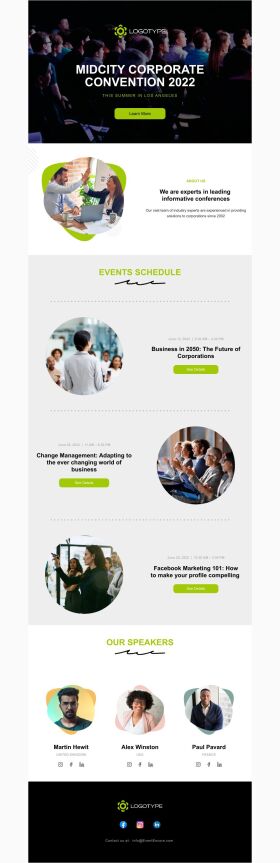


Announcement

Back in Stock

Coming Soon

Daily Specials
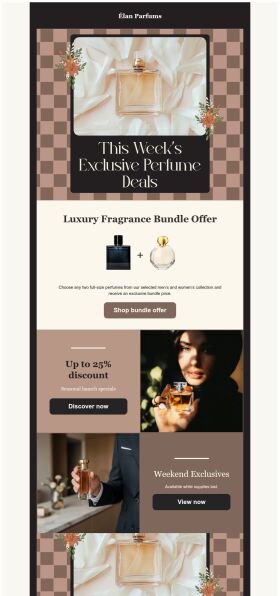
Deals and Bundles
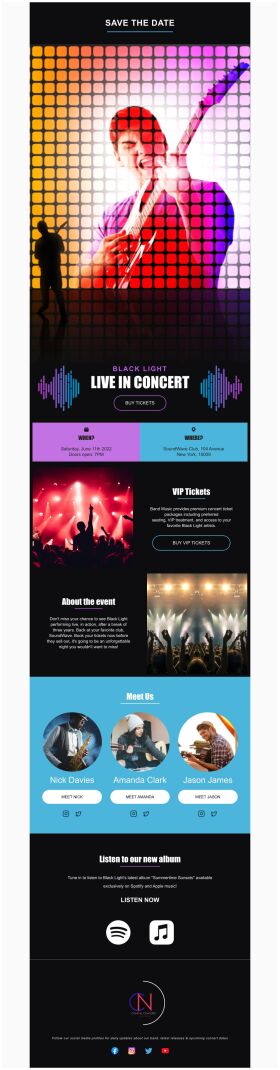
Event Promotion

Event Schedule
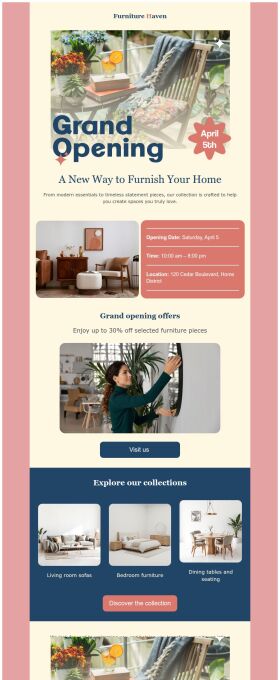
Grand Opening


คำถามที่พบบ่อย
How do I create and send my email campaign?
Create an email campaign by customizing an email template from the gallery. Add photos, videos, stickers, buttons, tables, social links, or your own designs from PosterMyWall with our easy-to-use drag-and-drop Email Maker. Free users can export the email in HTML format, and Premium subscribers can publish it directly from PosterMyWall.
How does an email marketing campaign work?
Email marketing campaigns are essential to boost sales, maintain relations with customers and collect feedback. Use our email maker to promote special offers, introduce new products, exclusive brand deals, welcome new customers, and much more.
How to implement email segmentation strategies using an email maker?
To effectively use email maker, first build an email list of potential clients for your business. You can get it through a subscription program or sign-in form on your website. Next, divide your list based on different market segmentations and customize an engaging email campaign targeting each group's needs. Later, track the campaign's performance.
How many people can I send emails to?
You can export your email as an HTML file on the free plan, then send it via your email service provider like Gmail, Hotmail etc. If you’re subscribed to the Premium or Premium Plus plan, you can send 3000 emails and 10,000 emails per month respectively with PosterMyWall’s Email Marketing Platform.






