
ผู้คนต่างก็รัก PosterMyWall






Automatically add captions, voiceovers, and music. Our AI video editor handles the edits while you handle the story.
PosterMyWall's AI video editor turns raw footage or a simple prompt into a video ready to post. Trim clips, add transitions, and drop in music, or describe the video you want and let AI Video build a first draft in seconds.
Skip the recording booth: add auto-generated subtitles with AI Subtitles so viewers can watch with the sound off, or add a natural-sounding voiceover with AI Voice without saying a word yourself. Resize the same video for Instagram Reels, TikTok, and YouTube Shorts in a click.
Once your video is ready, publish it straight to your social pages from the same dashboard, or pair it with a matching flyer or event page for a bigger push. Your AI video editor and the rest of your marketing live in one app.
เราเชื่อว่าค่าใช้จ่ายด้านการออกแบบและการตลาดไม่ควรเป็นภาระหนัก เราจึงรวมทุกอย่างไว้ในโซลูชันเดียวในราคาที่เข้าถึงได้ 💪
ในหลายแอป


คุณประหยัดได้ $119 ด้วยการสมัครใช้งานเพียงครั้งเดียว
บริหารจัดการการตลาดของคุณจากแพลตฟอร์มเดียวที่ใช้งานง่ายและขับเคลื่อนด้วย AI ออกแบบจากเทมเพลตฟรีนับล้านรายการ ขายตั๋วสำหรับอีเวนต์ของคุณ และเผยแพร่ผ่านโซเชียลมีเดีย อีเมล เว็บไซต์ และอื่นๆ อีกมากมาย
ดูสิ่งที่ผู้ชมของคุณชื่นชอบด้วยข้อมูลเชิงลึกด้านการมีส่วนร่วมในโพสต์โซเชียลมีเดียและแคมเปญอีเมลของคุณ ใช้ข้อมูลเชิงลึกเหล่านี้เพื่อปรับปรุงกลยุทธ์การตลาดของคุณ และสร้างเนื้อหาที่ส่งมอบผลลัพธ์
ให้ AI จัดการงานหนักให้คุณ: สร้างดีไซน์ ภาพ และวิดีโอได้ในไม่กี่วินาที ปรับขนาดให้เหมาะกับทุกช่องทาง และกำหนดเวลาเผยแพร่เนื้อหาล่วงหน้า ด้วย แผนราคาที่เข้าถึงได้ และส่วนลดสำหรับทีมใหญ่ การสร้างความมหัศจรรย์ทางการตลาดกับทีมของคุณไม่เคยทำได้ง่ายไปกว่านี้อีกแล้ว
Log in to PosterMyWall or sign up for free.
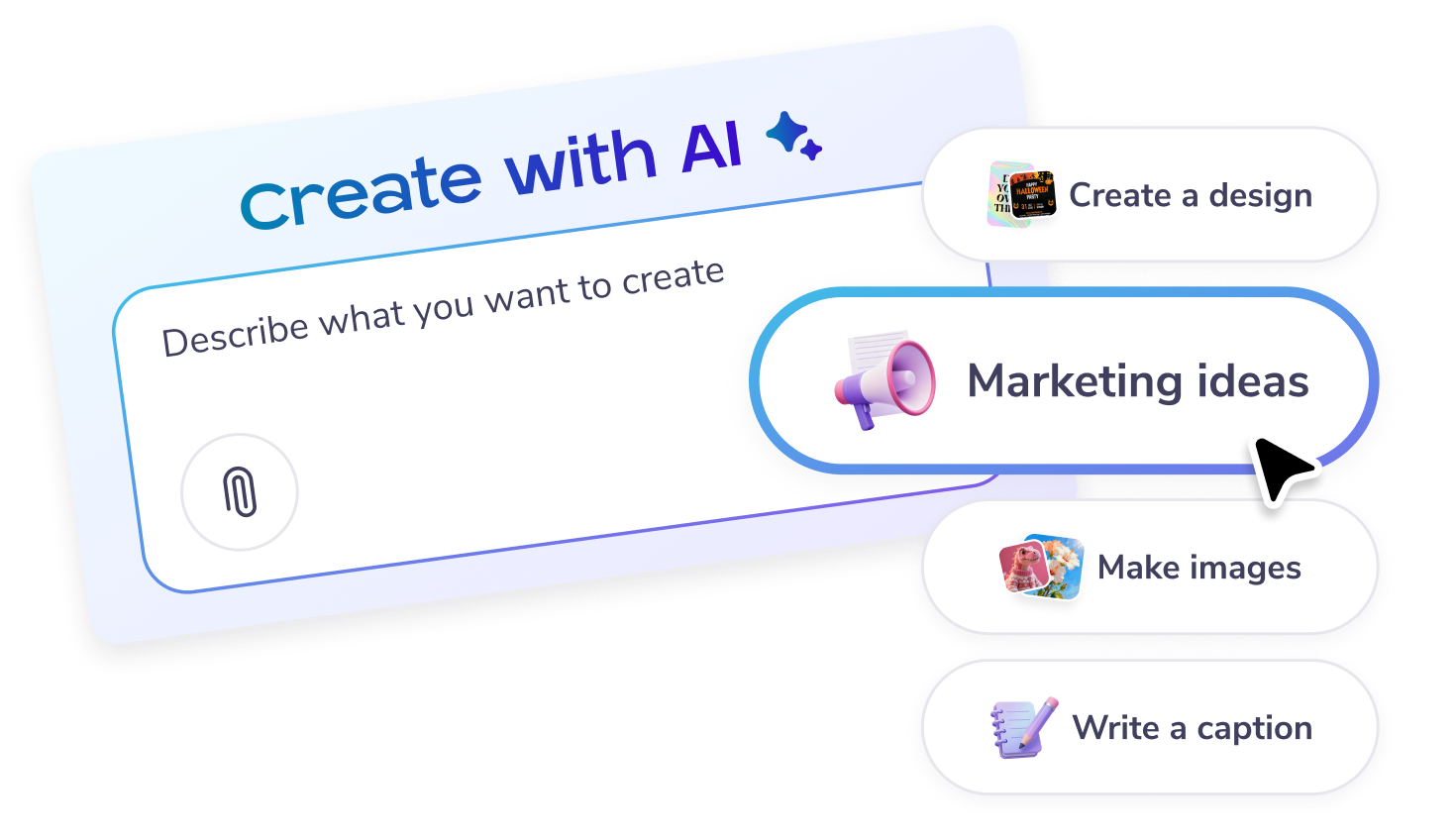
Start a chat in the chat box on the main page, or click on the “Create with AI” option on the left panel.
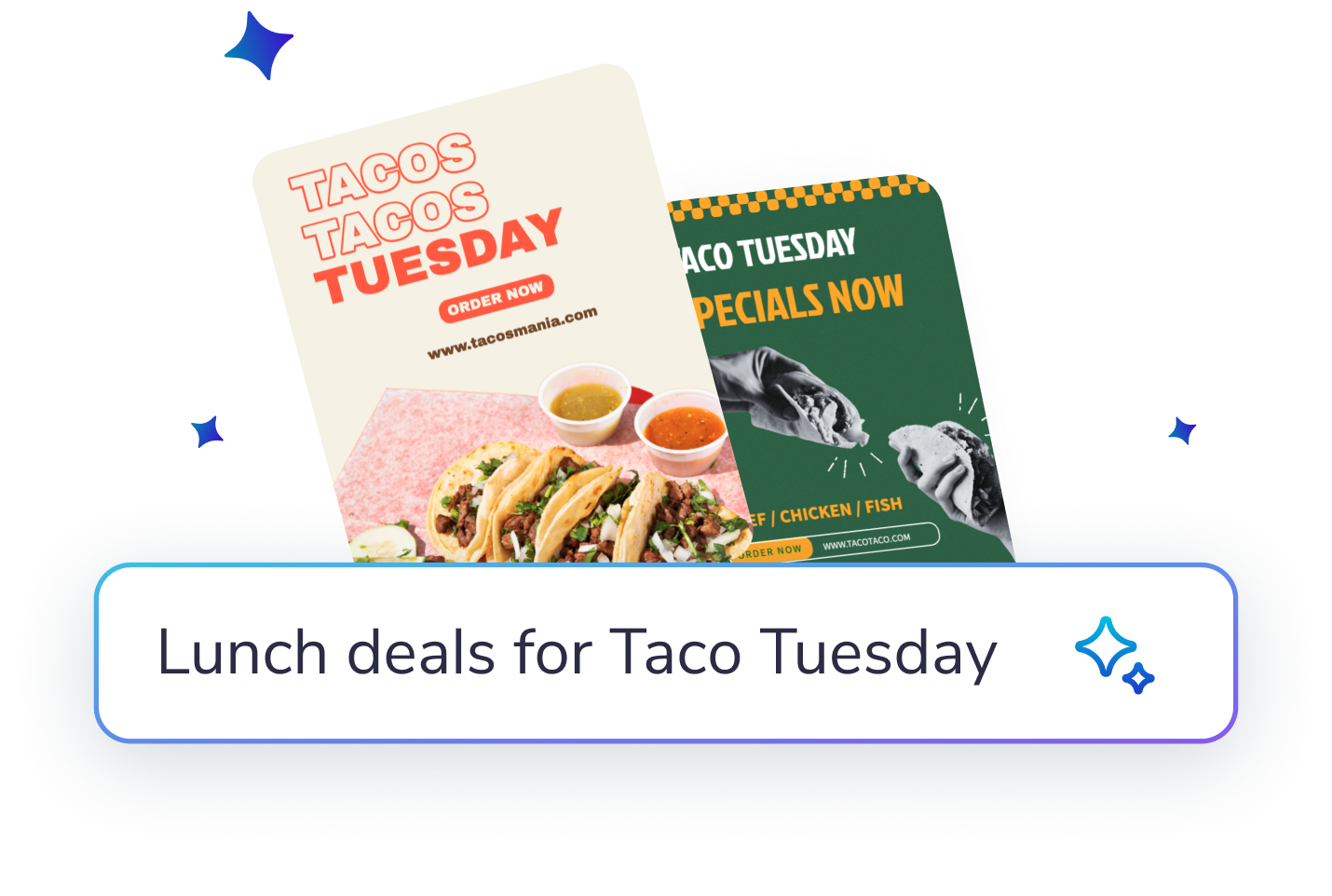
Describe what you would like to create: designs, posters, social posts, email content, captions, marketing ideas - or get inspired from the on-screen options.
Enter feedback or suggestions to improve the AI’s results further. Try adding images, or more specific details to get the result you want!
Customize the image or design further in the editor. You can add text or more elements. Or download, share and publish as it is.

สร้างและแก้ไขด้วยพรอมต์ AI

ดาวน์โหลดความละเอียดสูงตรงแบรนด์ได้ไม่จำกัด

โพสต์ ใส่คำบรรยายภาพ และกำหนดเวลาในครั้งเดียว

หน้าอีเวนต์ ตั๋ว และโปรโมชัน

เทมเพลตกว่า 5,220 แบบ ส่งอีเมลได้ 10,000 ฉบับต่อเดือน

วางแผนทุกโพสต์และอีเมลในปฏิทินเดียว









 Canva เทียบกับ PosterMyWall
 VistaCreate เทียบกับ PosterMyWall
 Adobe Express เทียบกับ PosterMyWall
 Piktochart เทียบกับ PosterMyWall
 Snappa เทียบกับ PosterMyWall
 Fotor เทียบกับ PosterMyWall
 Placeit เทียบกับ PosterMyWall
 Visme เทียบกับ PosterMyWall
 Venngage เทียบกับ PosterMyWall
 Buffer เทียบกับ PosterMyWall
 Hootsuite เทียบกับ PosterMyWall
 Sprout Social เทียบกับ PosterMyWall
 Later เทียบกับ PosterMyWall
 Agorapulse เทียบกับ PosterMyWall
 Zoho Social เทียบกับ PosterMyWall
 Coschedule เทียบกับ PosterMyWall
 Sendible เทียบกับ PosterMyWall
 Loomly เทียบกับ PosterMyWall
 Stripo เทียบกับ PosterMyWall
 Mailchimp เทียบกับ PosterMyWall
 Constant Contact เทียบกับ PosterMyWall
 Brevo เทียบกับ PosterMyWall
 GetResponse เทียบกับ PosterMyWall
 Kit เทียบกับ PosterMyWall
 Moosend เทียบกับ PosterMyWall
 Omnisend เทียบกับ PosterMyWall
GetResponse เทียบกับ PosterMyWall
Omnisend เทียบกับ PosterMyWall
GetResponse เทียบกับ PosterMyWall
 Eventbrite เทียบกับ PosterMyWall
 Evently เทียบกับ PosterMyWall
 Facebook Events เทียบกับ PosterMyWall

การไล่ระดับสีโดย PosterMyWall



© 2010-2026 250 Mils LLC ขอสงวนลิขสิทธิ์ทั้งหลาย









